Getting started: access and how the strategy works
Read this page first. At the end you will know how to sign in to Alphafamilia Algo, what the strategy does, what your money risks and which path to start with.
Who is who in the system
- User — trades with their own money through their own strategies.
- System administrator — opens access for people and runs the server; does not see other people's strategies, money and keys in the app.
- Trader — a user whose trades others may copy.
In detail — Access and sign-in.
How to get access
The service is made for its own circle: access is opened by the system administrator on request, usually within a day. The service has no password of its own: you sign in with Telegram. So you need your Telegram account — on a phone or a computer; without it you cannot sign in, and there is no other way to sign in or to get messages. Questions — to the service administrator in Telegram: @alphafamilia.
Through the site:
- Open the service's address in a browser — its main page opens.
- Click "Sign in". Telegram's sign-in window opens.
- Sign in to Telegram: if the window asks for a phone number, enter your Telegram number and confirm the sign-in in Telegram itself — a request arrives there.
- Telegram asks whether to allow the bot to write to you — allow it. Otherwise the bot cannot tell you that access is open.
- The request goes to the administrator by itself: the page shows "Request sent".
- Wait until the administrator approves the request. The message "Access granted" with the button "Open the app" arrives in the chat with the bot.
- Press this button (or open the service's address again and click "Sign in") — the app lets you in.
Through Telegram:
- In Telegram, open the service's bot @alphafamilia_live_bot and tap the app button.
- The app shows "Request sent" — then as in steps 6–7 above.
If the app says "This Telegram account is not allowed in.", you have no access: the request was rejected, or you signed in with another Telegram account. Write to the administrator — @alphafamilia. In detail — Access and signing in.
Where to open the app
- In Telegram. Open the chat with the service's bot @alphafamilia_live_bot and press the app button. You are signed in by itself.
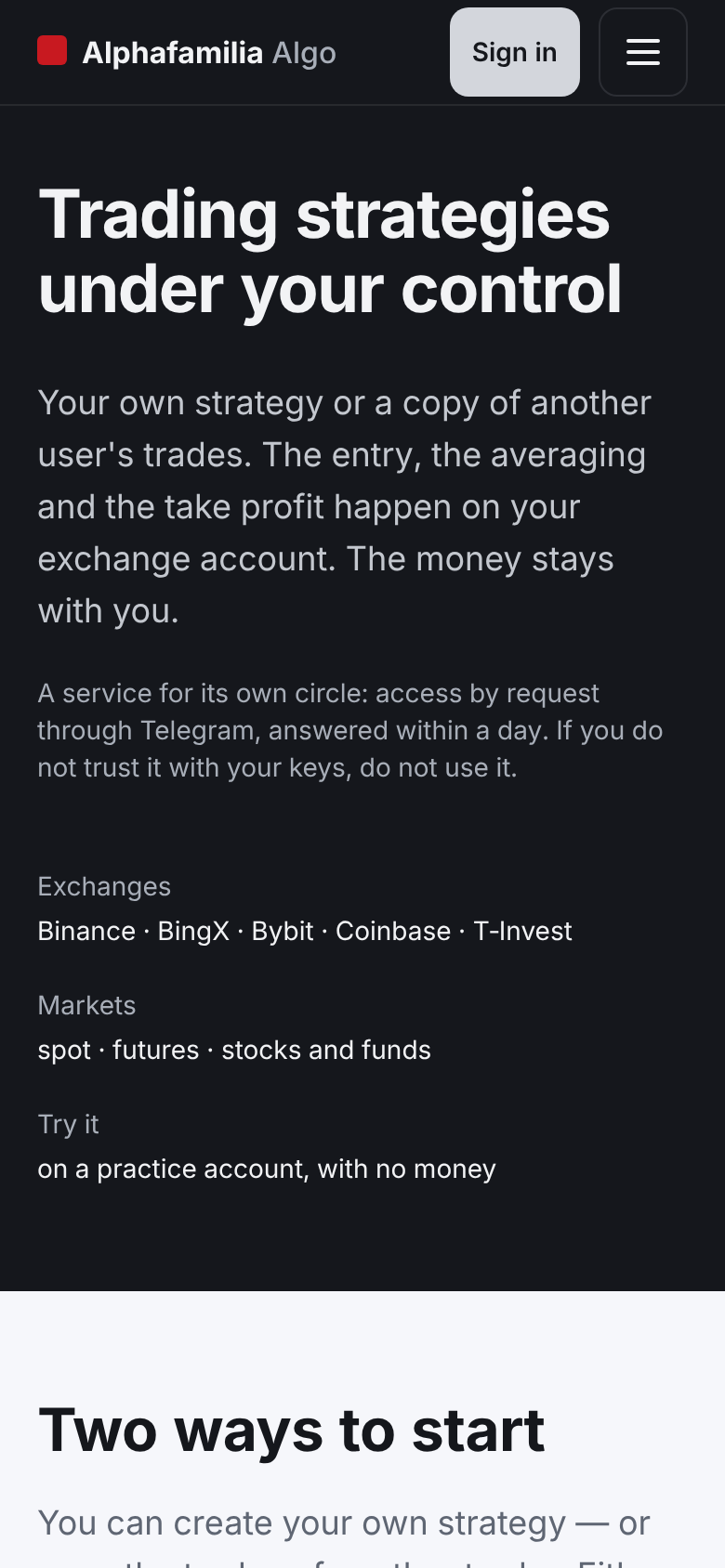
- In a browser. Open the server's address (the one this help is opened at): before you sign in it is a page about the service, “Alphafamilia Algo”. Press “Sign in” on it and sign in with Telegram. A browser sign-in lasts until the tab is closed, but no longer than 12 hours. The same page has, near its end, “Trading school”: lessons for beginners (the link “School” in the header leads right to it).
Never traded before? Start with the Trading school — 16 short lessons with questions: crypto, the exchange, orders, fees, security, how the strategy works, the risks.
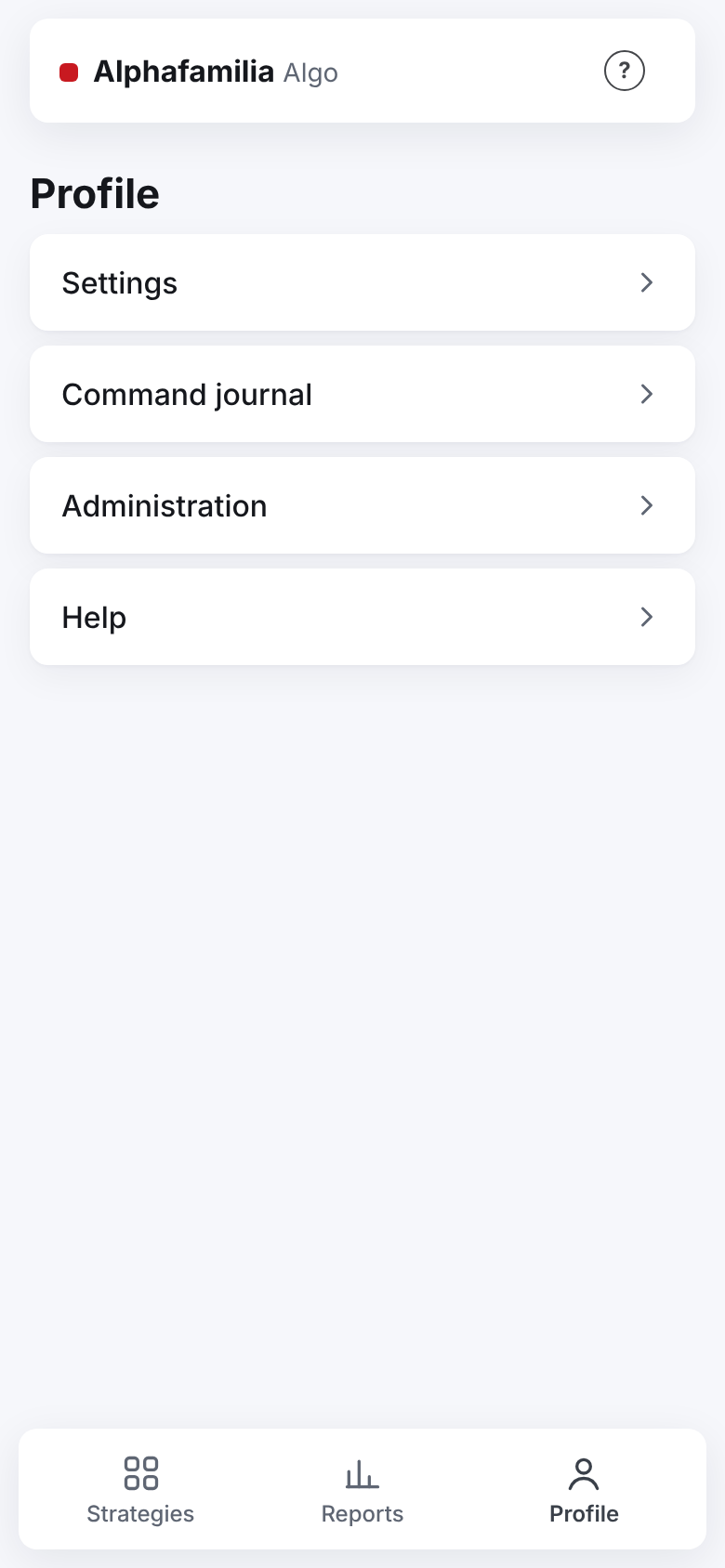
After signing in there are three sections at the bottom of the screen: “Strategies”, “Reports”, “Profile”. The “Profile” holds “Settings”, “Command journal” and “Help”. The “?” sign next to a field or a block of buttons opens a short tip about it.
How the strategy works
A strategy trades one pair, for example BTC for USDT: the pair BTC/USDT means "buy BTC with USDT". USDT is the exchange's digital dollar; the budget and the profit are counted in it (in roubles for securities). The strategy splits your budget into parts and works in cycles. A cycle is one trade from the first buy to a sale with a profit.
- Entry. The strategy buys with the first part of the budget.
- The averaging ladder. Below the entry price the next buys wait — the levels. The price falls to a level — the strategy buys more. So the average buy price gets lower.
- The TP on the average. The TP (take-profit) is an order to sell everything bought. Its price is a little above the average buy price, by the profit percentage set, after fees. After each extra buy the strategy moves the TP lower, after the average.
- The next cycle. The TP has filled — the cycle is closed, the profit is on the account. The strategy starts a new cycle from the current price at once.
So the strategy earns on price swings: the price does not need to come back to the entry price, it is enough to rise a little above the average.
An example with numbers
Simplified, without fees, the numbers rounded. A budget of 1000 USDT, 5 parts of 200 USDT, a step of 3 %, a TP of 1 % — the values the new strategy's form fills in itself; you change only the pair and the budget.
| What happens | Price | Bought | Spent in all | Average price | TP |
|---|---|---|---|---|---|
| Entry | 100 | 2 coins | 200 USDT | 100 | ≈101 |
| The price fell by 3 % — a buy | 97 | ≈2.06 coins | 400 USDT | ≈98.5 | ≈99.5 |
| The price rose to ≈99.5 — the TP | — | all sold | — | — | filled |
The cycle's result is about +4 USDT (1 % of the 400 USDT spent). The price never came back to 100, yet the cycle is closed with a profit. The other levels (−6 %, −9 %, −12 % from the entry) were not needed. A cycle step by step with the real calculation and the fees — Starting and the cycle.
What your money risks
- The price went below the last level. The whole budget is spent, there is nothing to buy with. The strategy holds what it bought and waits for the TP. Until the price comes back to the average, the cycle does not close — this can take long. Meanwhile the account shows a loss “on paper”.
- The strategy never sells at a loss by itself. There is no stop-loss. “Stop” cancels the strategy's orders but does not sell the asset: it stays with you. Selling below the average is only your decision: moving the TP below the average price (closing the cycle at a loss) is possible only after a separate confirmation.
- Futures — a higher risk. With leverage the exchange may liquidate the position: close it itself, with a loss of money. The strategy cannot stop a liquidation. In detail — I want to trade futures.
- The money is only yours and only at the exchange. The service keeps no money. The strategy's key cannot withdraw money: the app does not accept a key that may withdraw.
Tip. Start in the exchange's test environment — the money there is not real: I want to try without money. Then — with a small amount.
First steps
Until you have passed the first steps, the “Strategies” tab shows the “First steps” checklist — 5 items. The active item says what to do and leads to the screen needed.
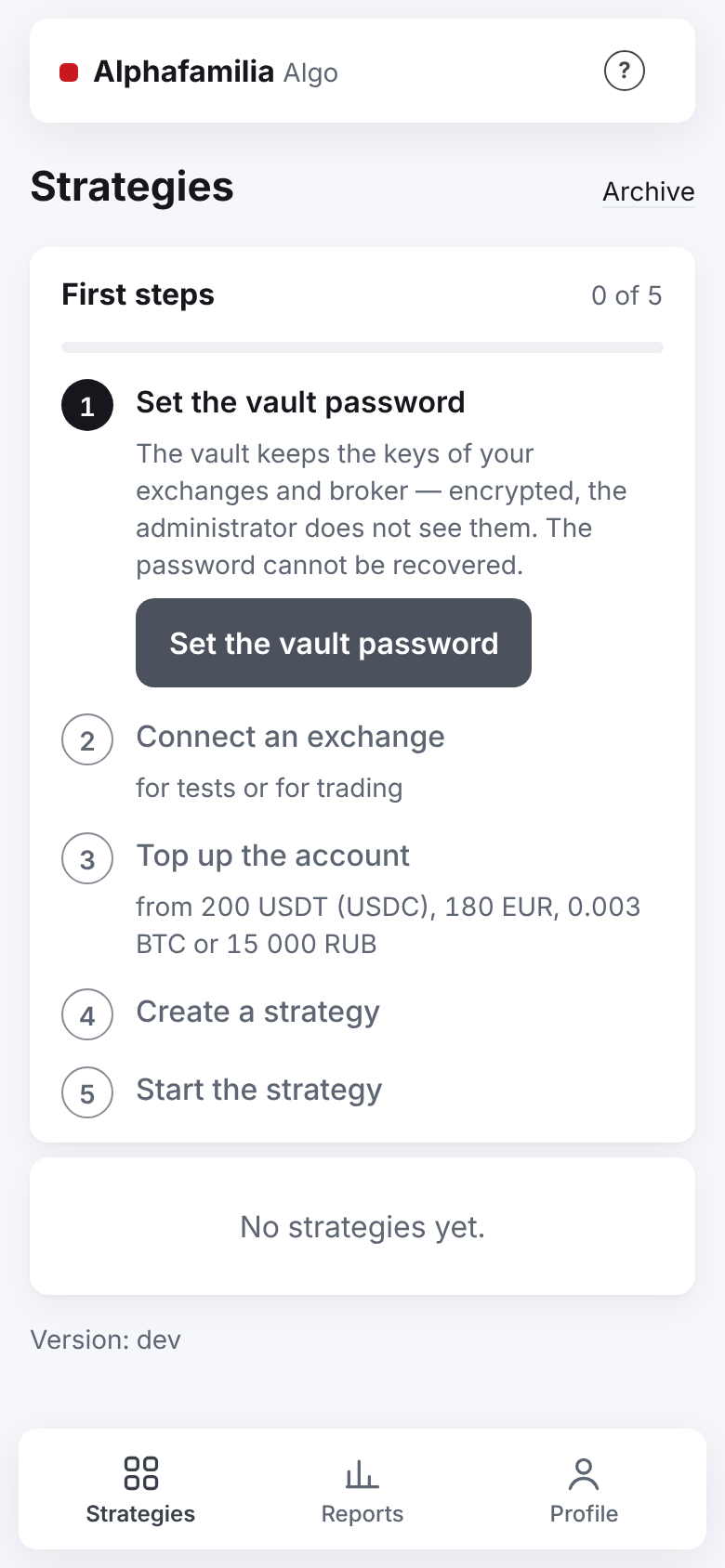
- “Set the vault password”. The vault keeps your exchange keys encrypted. The “Set the vault password” button leads to “Profile → Settings → Vault settings” — the “Key vault” screen opens. The password cannot be recovered — write it down in a safe place.
- “Connect an exchange”. Choose “For tests” (test money) or “For trading” (real money). The same two choices are on the vault's screen right after it is made.
- “Top up the account”. From 200 USDT (USDC), 180 EUR at Coinbase, 0.003 BTC on COIN-M or 15 000 RUB is needed — test or real. Topped up — press “Check again”. Under the sum — where the exchange keeps the money the strategies see (for example, BingX — not on the Fund account). This is the recommended minimum: with it the grid's parts are surely above the exchange's minimum order. You can start with less — the strategy form shows whether it is enough.
- “Create a strategy”. The “+ New strategy” button opens the strategy form.
- “Start the strategy”. Open the strategy and press “Start”.
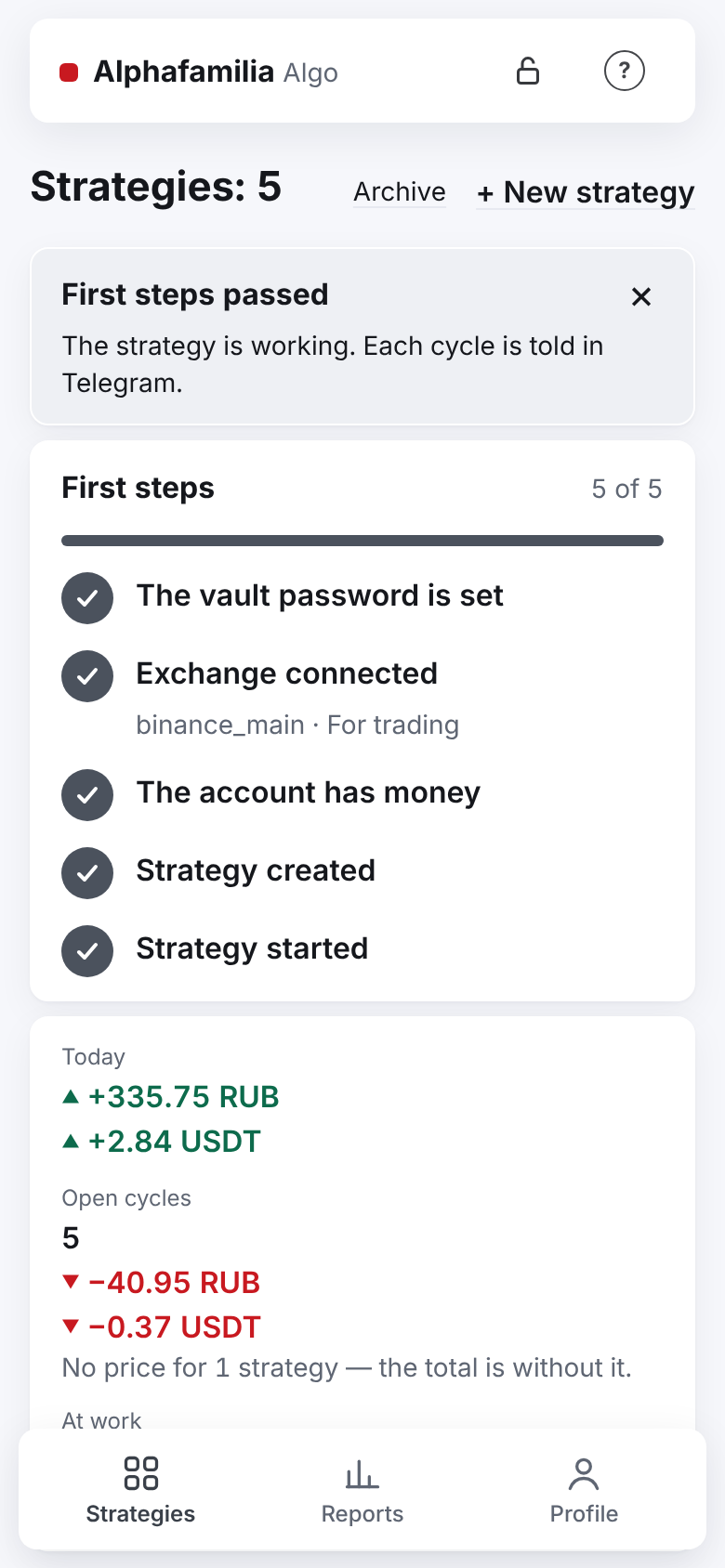
When all five items are done, the “First steps passed” card appears once. After that the checklist is not shown any more. In detail — Access and signing in.
Choose your path
- I want to try without money — a test exchange, everything as for real.
- I want to trade crypto with a strategy — spot on Binance, BingX, Bybit or Coinbase.
- I want to trade shares — T-Invest.
- I want to trade futures — leverage, long and short, liquidation.
- I want to repeat another trader's trades — a trader's copy.
- I want to understand the settings — what each setting does.
- Something went wrong — how to fix it — what you see on the screen means.