I want others to copy my trades
At the end of this path you are in the list of traders: other users of the service can create copies of your running strategies and trade by your rules with their own money. How a copy trades is in I want to repeat another user's trades; an unfamiliar word — in the glossary.
What you need
- At least one running strategy with its own settings. Copies are never in the list of traders, nor are stopped strategies.
- A name for subscribers (a pseudonym): 2 to 32 characters — letters, digits, spaces, dots, dashes and “_”; the first one is a letter, a digit or “_”. The name must be free: “Ivan” and “ivan” are the same name.
Steps
At the bottom of the screen open “Profile”.
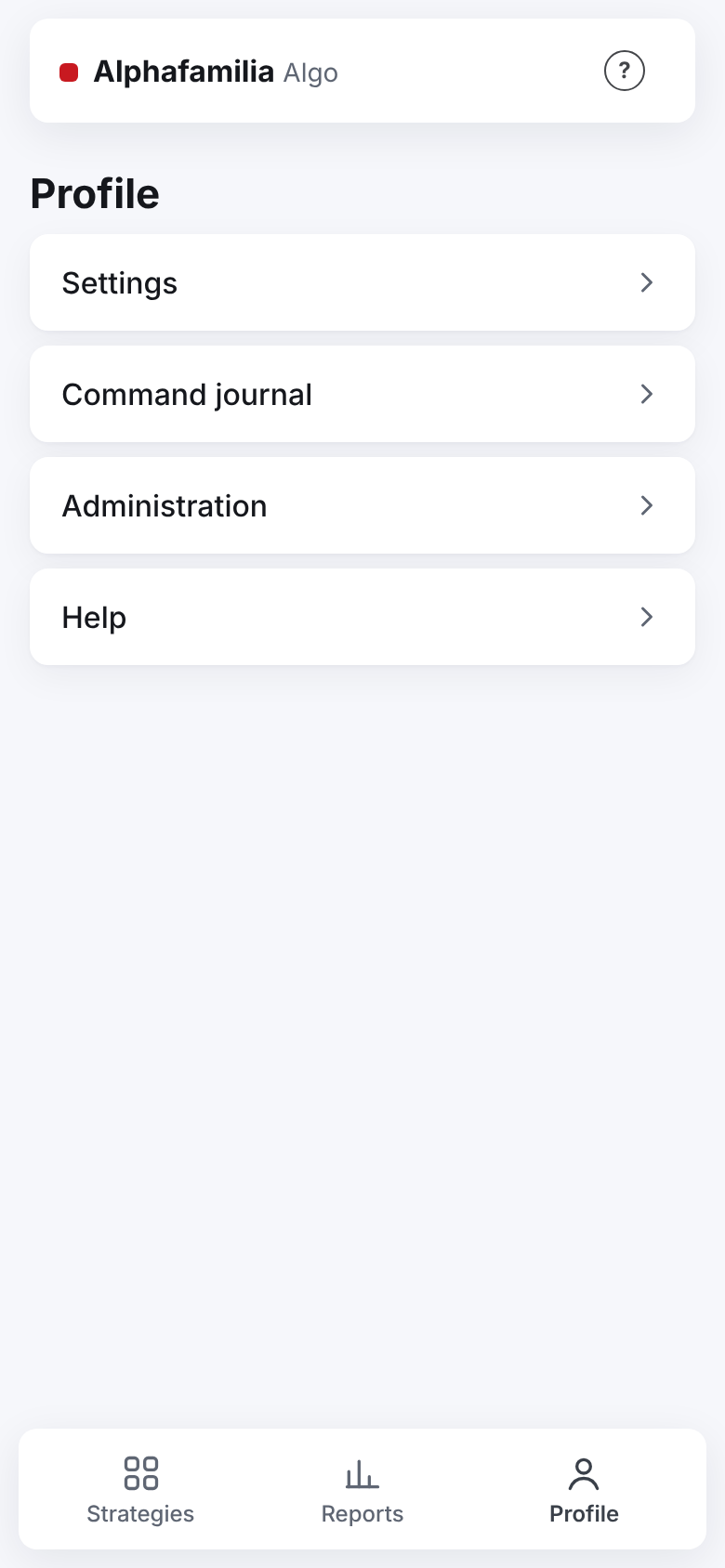
Press “Settings”.
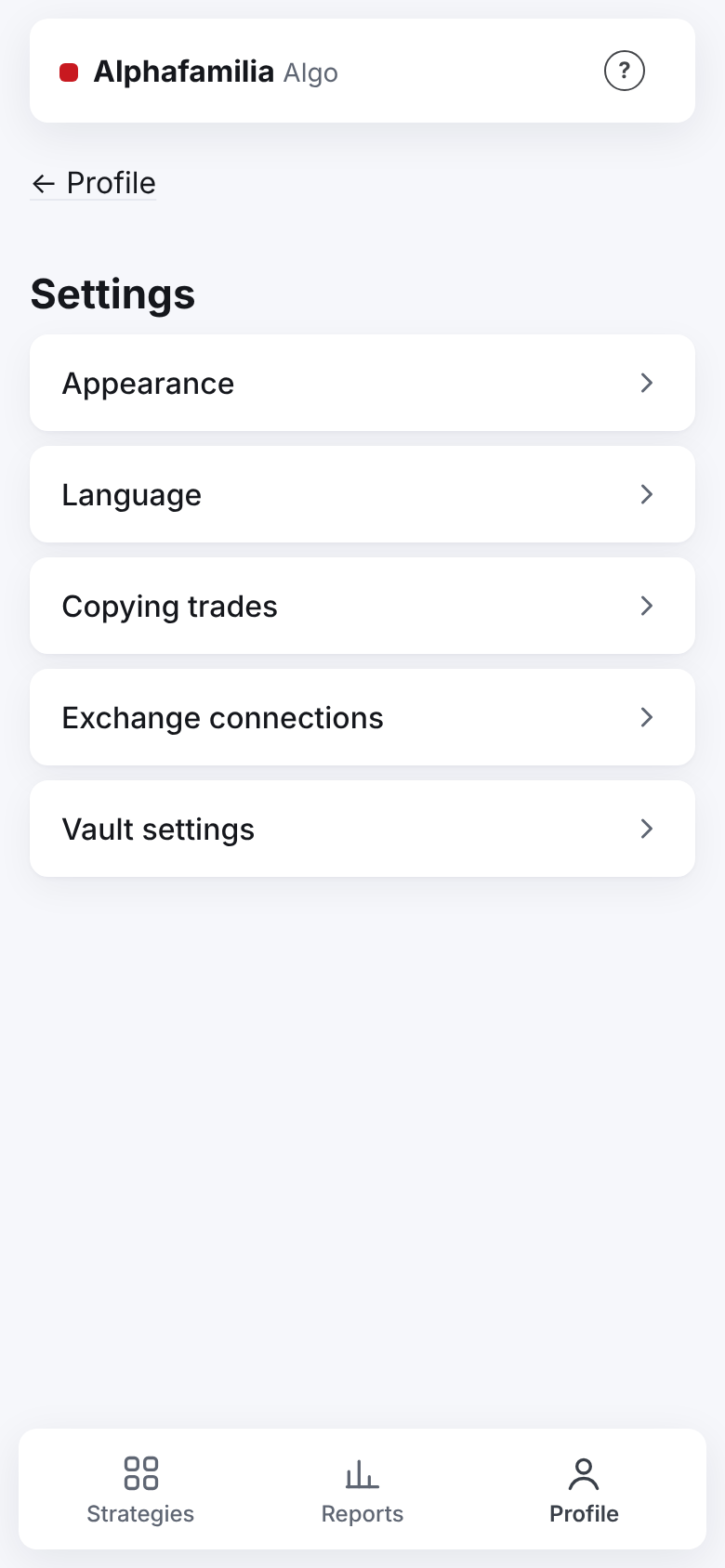
Press “Copying trades”.
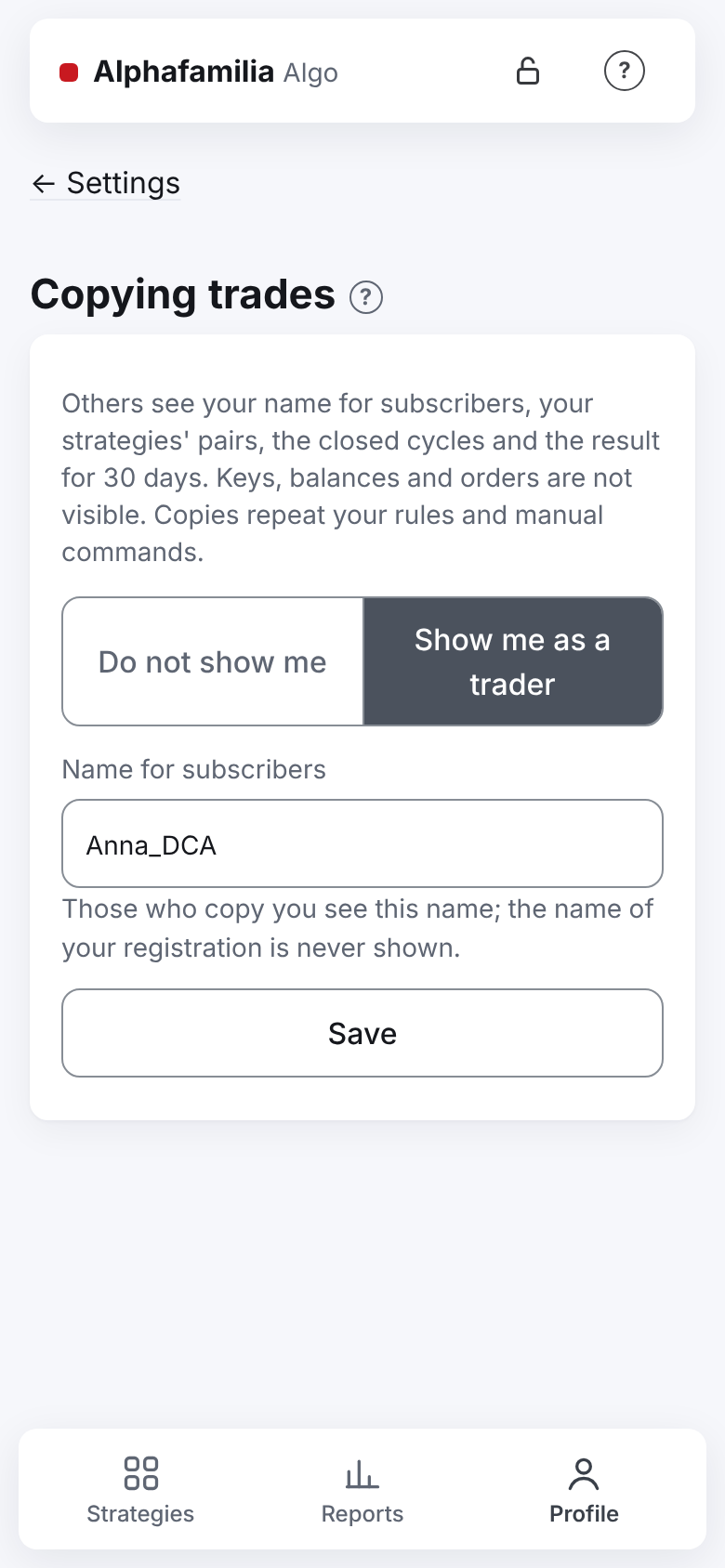
Read the explanation on top: what others will see and what they will not.
Choose “Show me as a trader”.
In “Name for subscribers” type your pseudonym. Subscribers never see the name of your registration.
Press “Save”.
How to know it worked
- After “Save” the button reads “Saved ✓” for a couple of seconds, a marked line appears under it and a short message at the bottom of the screen.
- Once you are in the list of traders, the line is “✓ Saved. Other users see you in the list of traders as “…””.
- While you have no running strategy with your own settings, the line is “✓ Saved. You appear in the list once your strategy with its own settings is running”. Start a strategy — and you appear in the list.
- When someone creates a copy of your strategy and it starts working, the strategy's screen shows “Copied by: N”. That is all you learn of the copies: who copies and with what amounts is not visible to you. Stopped copies are not counted.
What subscribers see
| They see | They do not see |
|---|---|
| Your name for subscribers, how many running strategies you have and the best result for 30 days | The name of your registration and your Telegram |
| For each running strategy: the pair, the exchange and the market, the direction (on futures — and the leverage), how many cycles are closed, the 30-day result in % of the budget | The budget's amount and the balances |
| The strategy's rules: parts, step, step and volume growth, TP, a limit or market entry | Keys and connections (not even their names) |
| In “The lead strategy's rules” card of their copy: your strategy's state, new settings “from the next cycle” and your last manual commands in percent | The prices of your orders, the orders and the trades themselves |
What happens to the copies
The copies repeat your decisions in percent from their own average, at their own exchange's prices.
| You do | What the copies do |
|---|---|
| “Stop”, or the strategy goes into an emergency | Copies in a cycle finish it at the TP by the last rules and stop; copies without a cycle stop at once. If you start the strategy again before a copy closes its cycle, it goes on |
| “Stop after this cycle” | Each copy stops after its own cycle, not yours |
| “Average” with a limit order | The copies place the same share of their balance the same % from their own average. Example: you bought with 10 % of your budget 1.75 % below your average — a copy places 10 % of its balance 1.75 % below its own average. A price worse than the current one (the order filled at once) — the copies place theirs at their own market price |
| “Average” → “Market” | The copies buy at the market for the same share of their balance — even if your purchase failed |
| “Levels” → “Cancel” / “Restore” | The copies cancel and restore the same levels by number; a manual order you restored is restored by the copies whose order was cancelled too |
| “TP” in percent | The copies set their TP the same % from their own average; it follows their average until the cycle ends |
| “TP” at a price | The copies count their TP once, the same % from their own average; it stands until their cycle ends |
| A TP worse than the break-even, you confirmed the loss | The copies close their cycle at a loss too: the TP at the same percent from their own average, without a confirmation of their own |
| “Back to the strategy's TP” or “Cancel” of a manual order in “Levels” | The copies do the same |
| “Change settings” | The copies take the new settings from their own next cycle |
| Choose “Do not show me” or archive the strategy | As with “Stop”: the copies finish the cycle and stop |
A copy with no position at the moment of a command passes it over. A strategy's leverage and direction never change; for another leverage or direction you create a new strategy — the copies of the old one stop together with the old one.
What you risk
- The copies never touch your money, orders or records: each copy trades on its subscriber's account.
- Your name for subscribers and your results are visible to all users of the service.
- Each of your manual commands and settings changes is repeated by the copies, with other people's money. If you trade by hand for yourself, remember the copies do the same — a cycle closed at a loss included.
If something goes wrong
| What you see | What to do |
|---|---|
| “You appear in the list of traders once you have a running strategy with your own settings.” (shown only while you have no such strategy) | Start your strategy (I want to manage my strategies) |
| “Name for subscribers: 2 to 32 letters, digits, spaces, dots, dashes.” | Fix the name: no other characters, the first one a letter or a digit |
| “This name is already taken.” | Choose another name |
| No “Copied by” on the strategy's screen | No copy of this strategy is working now |
| You want nobody to copy you any more | “Profile” → “Settings” → “Copying trades” → “Do not show me” → “Save”. The answer: “You are out of the list; the copies end their cycles and stop” |
Next
- I want to manage my strategies — manual commands and stopping.
- I want to understand the settings — what subscribers see in your rules.
- I want to repeat another user's trades — how it all looks from the copy's side.